IPTV for Smart TV: How to Enjoy Streaming on Your TV
Smart TVs have changed the way people enjoy entertainment at home. Instead of relying only on traditional television services, viewers can now access live TV, movies, series, sports, and other digital content directly from a compatible television.
With Nord IPTV, users can enjoy a convenient streaming experience across compatible Smart TVs and other supported devices. In this guide, we explain IPTV for Smart TV, how it works, what you need to get started, and how to improve your viewing experience.
What Is IPTV for Smart TV?
IPTV stands for Internet Protocol Television. It refers to television content delivered through an internet connection rather than traditional terrestrial, satellite, or cable distribution.
On a compatible Smart TV, IPTV content can typically be accessed through a supported IPTV application. This makes it possible to browse available live channels and on-demand content from the television without needing a traditional TV receiver for the streaming service.
Why Use IPTV on a Smart TV?
One of the main advantages of watching IPTV on a Smart TV is convenience. Modern televisions combine a large display, internet connectivity, and app support, creating a comfortable setup for home entertainment.
Depending on your television, application, subscription, internet connection, and available content, IPTV can offer:
- Live TV channels
- Sports and entertainment
- Movies and TV series
- International content
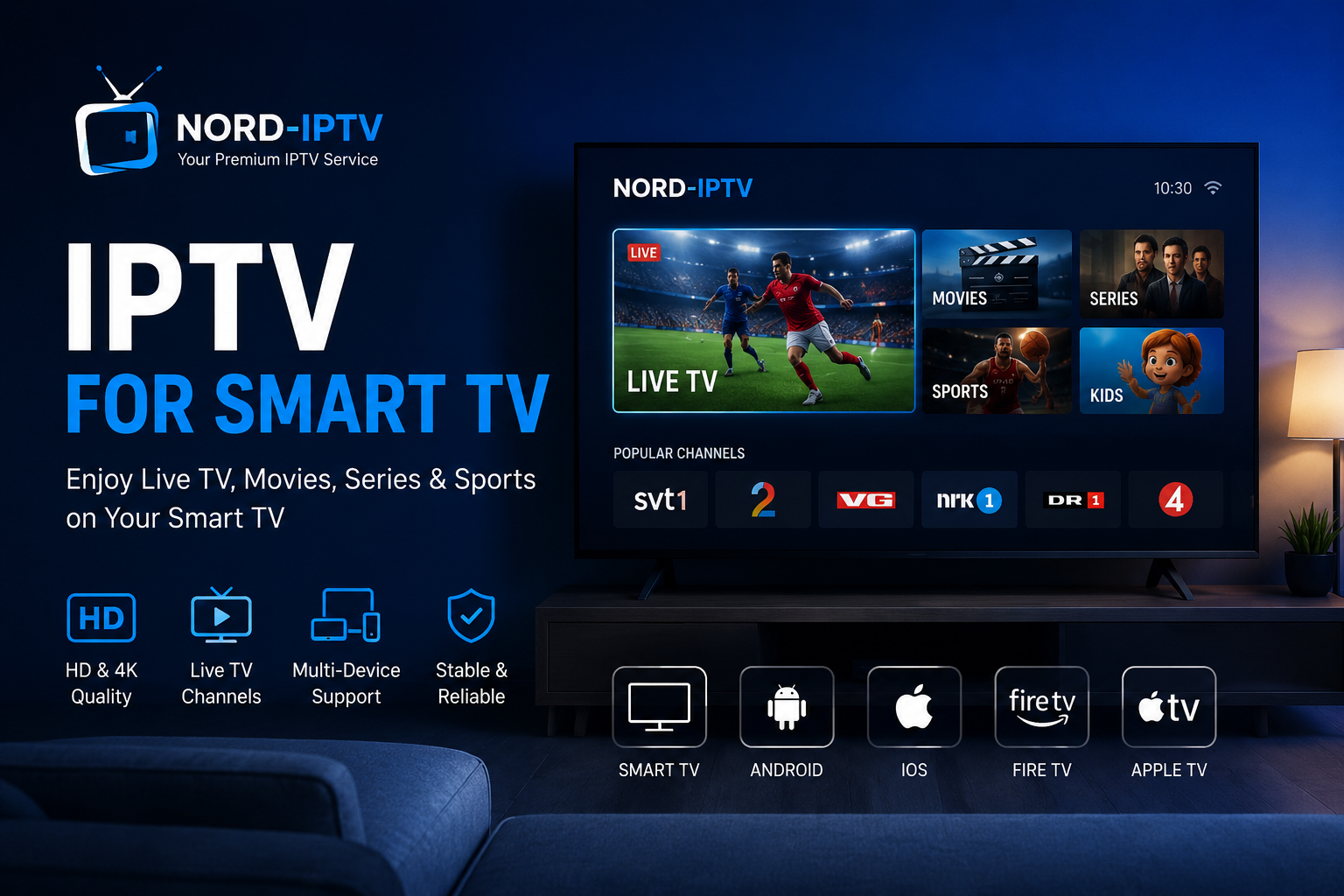
- HD and 4K streaming where available
- Easy navigation using your TV remote
- Access without a traditional satellite setup
With Nord IPTV, the goal is to make streaming simple across supported devices while providing users with flexible viewing options.
Which Smart TVs Can Support IPTV?
IPTV compatibility depends on the operating system of your television and the applications available for that platform.
Many modern Smart TVs from manufacturers such as Samsung and LG can run IPTV applications. TVs using Android TV or Google TV may also provide access to compatible IPTV players through their app platforms.
Before choosing an IPTV service or application, check that your Smart TV model supports the required app and streaming format.
How to Set Up IPTV on a Smart TV
Getting started is usually straightforward.
First, connect your Smart TV to a stable internet connection. Then, open the television’s application store and install a compatible IPTV player.
After installation, open the application and follow its instructions to add the subscription details provided by your IPTV service. The exact setup process can vary depending on the TV model and IPTV application.
Once configured correctly, you can browse the content available with your subscription and start streaming directly on your television.
Internet Connection and Streaming Quality
A reliable internet connection is an important part of a smooth IPTV experience. Streaming quality can be affected by connection speed, network stability, Wi-Fi signal strength, device performance, server conditions, and video quality.
For higher-resolution content such as Full HD or 4K, a stable connection becomes particularly important.
If possible, using an Ethernet connection can provide greater network stability than Wi-Fi. If Ethernet is not practical, keeping your Smart TV close to the router and using a strong Wi-Fi connection may help reduce interruptions.
IPTV on Smart TV vs Traditional Television
Traditional television services often depend on dedicated infrastructure, equipment, or fixed channel packages. IPTV uses an internet connection, which can provide greater flexibility in how compatible content is accessed.
Smart TV streaming can also reduce the need for additional hardware when the television already supports the necessary application.
The best option ultimately depends on your viewing preferences, internet connection, device compatibility, and the services available in your region.
Watch Nord IPTV on Your Favorite Devices
Smart TV is only one way to enjoy Nord IPTV. Depending on compatibility, IPTV services may also be accessed through devices such as Android smartphones and tablets, iPhone and iPad, Apple TV, Fire TV, Android TV devices, computers, and other supported streaming platforms.
This flexibility makes it easier to choose a device that fits your viewing setup.
Tips for a Better IPTV Experience
For smoother streaming, keep your Smart TV and IPTV application updated and use a stable internet connection. Closing unnecessary applications may also help on devices with limited resources.
If you experience buffering, check your network connection first and restart the TV, application, or router if necessary. Streaming performance can vary depending on the device, connection, content source, and network conditions.
Why Choose Nord IPTV?
Nord IPTV is designed to provide a simple streaming experience across compatible devices. Users can explore available subscription plans and choose an option that matches their entertainment needs.
From live television and sports to movies and international entertainment, Nord IPTV brings different types of content together in an accessible streaming experience.
Start Watching IPTV on Your Smart TV
Watching IPTV on a Smart TV can be a convenient way to bring internet-based entertainment to the biggest screen in your home.
Choose a compatible device and application, make sure you have a reliable internet connection, and explore the Nord IPTV subscription options available to you.
Discover Nord IPTV plans and find the streaming option that works for your home entertainment setup.