Streaming television has become more flexible than ever. With IPTV, viewers can access live TV, sports, movies, series, and other entertainment through an internet connection on a variety of compatible devices.
Nord IPTV is designed to make streaming accessible across popular platforms, allowing you to choose the device that best fits your home entertainment setup. This guide explains the main devices you can use for IPTV and what to consider before getting started.
What Devices Can You Use for IPTV?
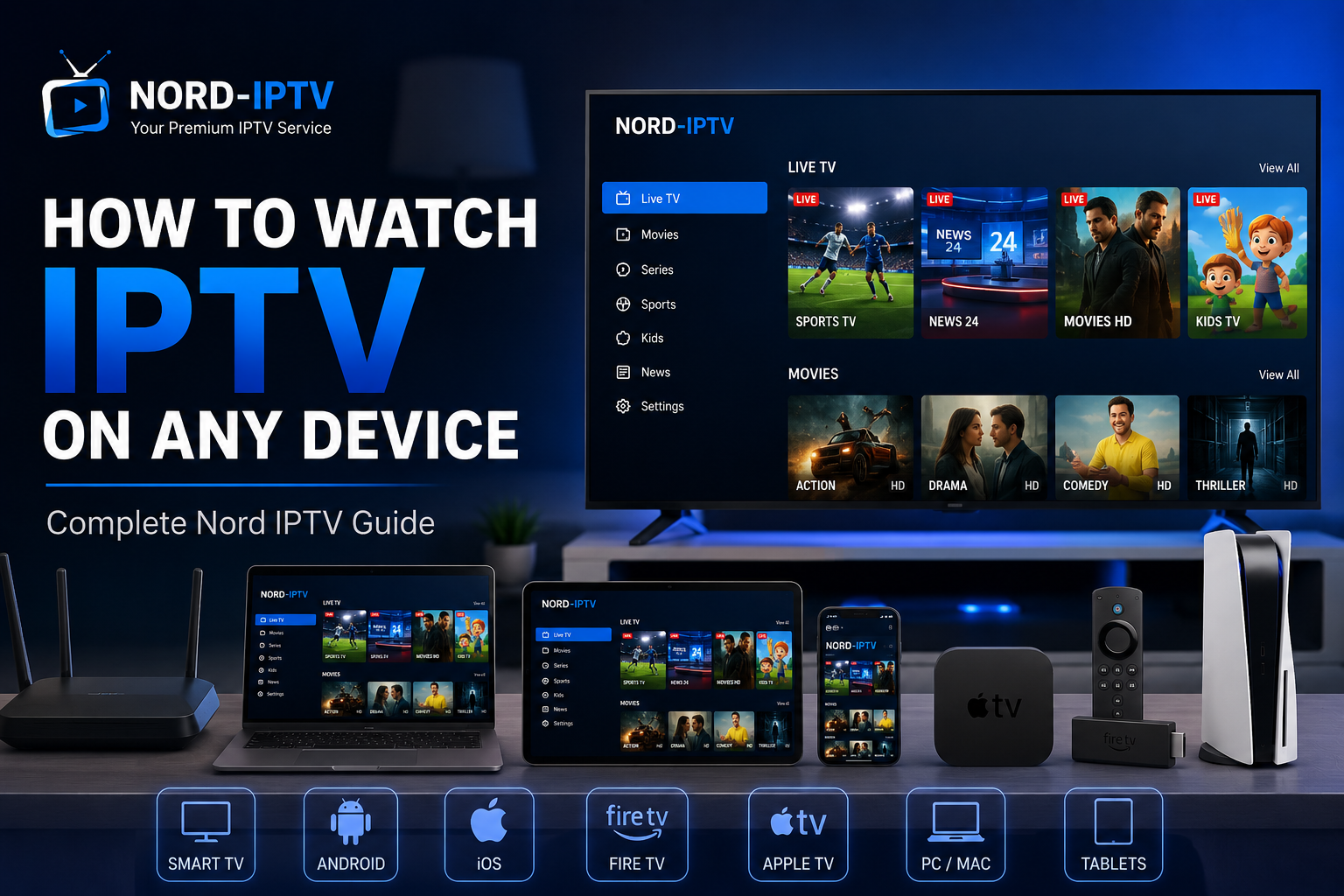
IPTV is not limited to a traditional television. Depending on the service, application, and device compatibility, you can stream IPTV on many popular platforms.
Common options include Smart TVs, Android devices, iPhone and iPad, Apple TV, Fire TV, Android TV devices, computers, and compatible streaming boxes.
This flexibility means you can choose between watching on a large television at home or using a mobile device when appropriate.
IPTV on Smart TV
A Smart TV can provide one of the simplest ways to enjoy IPTV on a large screen. Many modern televisions support streaming applications directly through their built-in app stores.
After installing a compatible IPTV player, users can add their subscription information and access available content from the television.
Compatibility varies between TV brands, models, operating systems, and applications, so always check your device before installation.
IPTV on Android Devices
Android provides a flexible platform for IPTV streaming. Compatible IPTV players are available for many Android smartphones, tablets, Android TV devices, and streaming boxes.
Once a suitable application is installed, you can configure it using the subscription details supplied by your IPTV provider.
For home viewing, Android TV devices can be particularly convenient because they connect directly to a television and are designed for streaming.
IPTV on iPhone and iPad
iPhone and iPad users can also access IPTV through compatible applications.
Mobile IPTV can be useful when you want convenient access to available entertainment from a supported device. A stable internet connection remains important, especially when streaming higher-resolution video.
IPTV on Fire TV
Fire TV devices can turn a compatible television into a versatile streaming setup.
Depending on the device and available applications, users can install a compatible IPTV player and configure their subscription. This can be a practical option for televisions that do not have the IPTV application you want built in.
IPTV on Apple TV
Apple TV provides another option for watching IPTV on a television. Compatible applications can offer an interface designed for browsing and streaming available IPTV content.
Before setting up your subscription, confirm that the IPTV player you plan to use supports your Apple TV model and the subscription format provided by your service.
IPTV on a Computer
IPTV can also be accessed on compatible Windows and Mac computers using supported applications or players.
A computer can be useful for users who prefer watching from a desk or want another screen for entertainment. Performance and setup requirements depend on the application and service being used.
What Do You Need for Smooth IPTV Streaming?
The device is only one part of the streaming experience. A stable internet connection is equally important.
Streaming performance can depend on your connection speed, Wi-Fi quality, device performance, video resolution, network congestion, application, and content source.
For a television that stays in one place, an Ethernet connection can provide a stable alternative to Wi-Fi when available. With Wi-Fi, a strong signal and suitable router placement can help improve consistency.
HD and 4K IPTV Streaming
Many modern devices support HD, Full HD, or 4K video, but device resolution alone does not guarantee that every stream will be available at that quality.
The final picture quality depends on the source content, IPTV service, application, device, display, and internet connection.
For 4K viewing, make sure both your television or device and the content you are accessing support the required resolution.
Choose the Right Device for Your Setup
There is no single device that is ideal for everyone.
Smart TVs can provide a clean setup with fewer additional devices, while dedicated streaming devices may offer more application flexibility. Smartphones and tablets prioritize portability, and computers provide another convenient option for personal viewing.
Choose based on your television, preferred apps, internet setup, and how you plan to watch.
Enjoy Nord IPTV Across Compatible Devices
Nord IPTV gives viewers the flexibility to enjoy available live television, sports, movies, series, and entertainment across compatible platforms.
Whether you prefer a Smart TV, Android device, Fire TV, Apple TV, smartphone, tablet, or computer, choosing the right setup can make streaming simpler and more enjoyable.
Explore Nord IPTV plans, check your device compatibility, and choose the subscription option that best fits your entertainment setup.